








Xbox controllers dominate PC gaming for reasons that have nothing to do with console preference. Native Windows support, a well-established driver ecosystem, and a layout that most PC players already know make the Xbox button layout the default for PC controller gaming. But the standard Xbox controller is a starting point, not an endpoint.

Why Xbox controllers became the PC default
The practical reason is Windows integration. Xbox controllers use XInput, Microsoft's own PC controller API, which means plug-and-play compatibility with virtually every PC game that supports controllers — no third-party drivers, no configuration layer. For PC players who want things to just work out of the box, that frictionless setup has historically been a meaningful advantage.
That gap has narrowed. PlayStation controllers use DirectInput, a different API, and technically require a translation layer for XInput-only games — but in practice, Steam Input handles that automatically for the vast majority of PC players. Most modern games also include native DualSense support. Where the Xbox layout still has a concrete edge is in games outside Steam, on launchers that don't implement their own controller layer, and in any scenario where you want zero-configuration plug-and-play without a background app running. For those cases, XInput still wins on simplicity.
The broader ecosystem compounds this. Steam's controller support is built around the Xbox button layout as the default — when games display controller prompts on PC, they're typically showing Xbox face button icons (A/B/X/Y). Developers test PC controller support on Xbox layouts first. That cultural default means Xbox-layout controllers benefit from the most consistent PC compatibility across the widest range of titles.
Xbox Series X|S controllers also benefit from Bluetooth support that works without a dongle, a wireless adapter that extends range significantly, and a USB-C wired option for players who want the cable. The flexibility across connection types makes them practical for diverse PC setups, from a couch at distance to a desk at close range.
What's changed in the Xbox controller market in 2026
The standard Xbox controller hasn't changed significantly. What has changed is the performance controller tier above it. Hall Effect and TMR thumbsticks, rear paddles, adjustable instant triggers, and 1K polling on PC are now available in Xbox-layout controllers, and the gap between a standard Xbox controller and a performance one is now meaningfully wider than it was two years ago.
For PC players who've been using standard Xbox controllers and haven't reconsidered, the drift question is the most practical one. Standard Xbox controllers use potentiometer thumbsticks that wear over time. On a controller used heavily across a competitive gaming career, drift is a when, not an if. The Hall Effect and TMR options now available in Xbox-layout performance controllers solve this structurally.
What to look for when upgrading your Xbox controller for PC in 2026
Anti-drift thumbsticks. Hall Effect or TMR, depending on preference for feel and precision level. Both use magnetic sensing with no physical wear path. TMR is the higher-precision option with a feel closer to traditional sticks. Hall Effect has a slightly snappier response with a short adjustment period.
Rear paddles. The same argument that applies to any performance controller applies here: paddles give you face button access without lifting thumbs off the sticks. For PC gaming across action, shooter, and sports titles, four remappable paddles expand your control without changing the ergonomic layout you already know.
Polling rate on PC. Look for 1K polling specifically in wired mode for PC, not the console polling rate, which is governed by the Xbox system and isn't configurable. For PC competitive play, 1K matters; for console-only Xbox use, it doesn't apply.
Grip and ergonomics. The standard Xbox shape is well-established and works for most hand sizes. Texture grip matters more for longer sessions — textured back panels reduce slippage and improve hold during extended play. Custom grip materials are often available on performance controllers and worth evaluating if you play for multiple hours at a time.
Wired vs wireless. For pure PC desk use, wired removes all battery variables and maintains consistent connection. For multi-device use across Xbox console and PC, a controller with tri-mode connectivity (wired, low-latency wireless, Bluetooth) gives you the flexibility to use the right connection for each context.
The SCUF Valor Pro for Xbox and PC
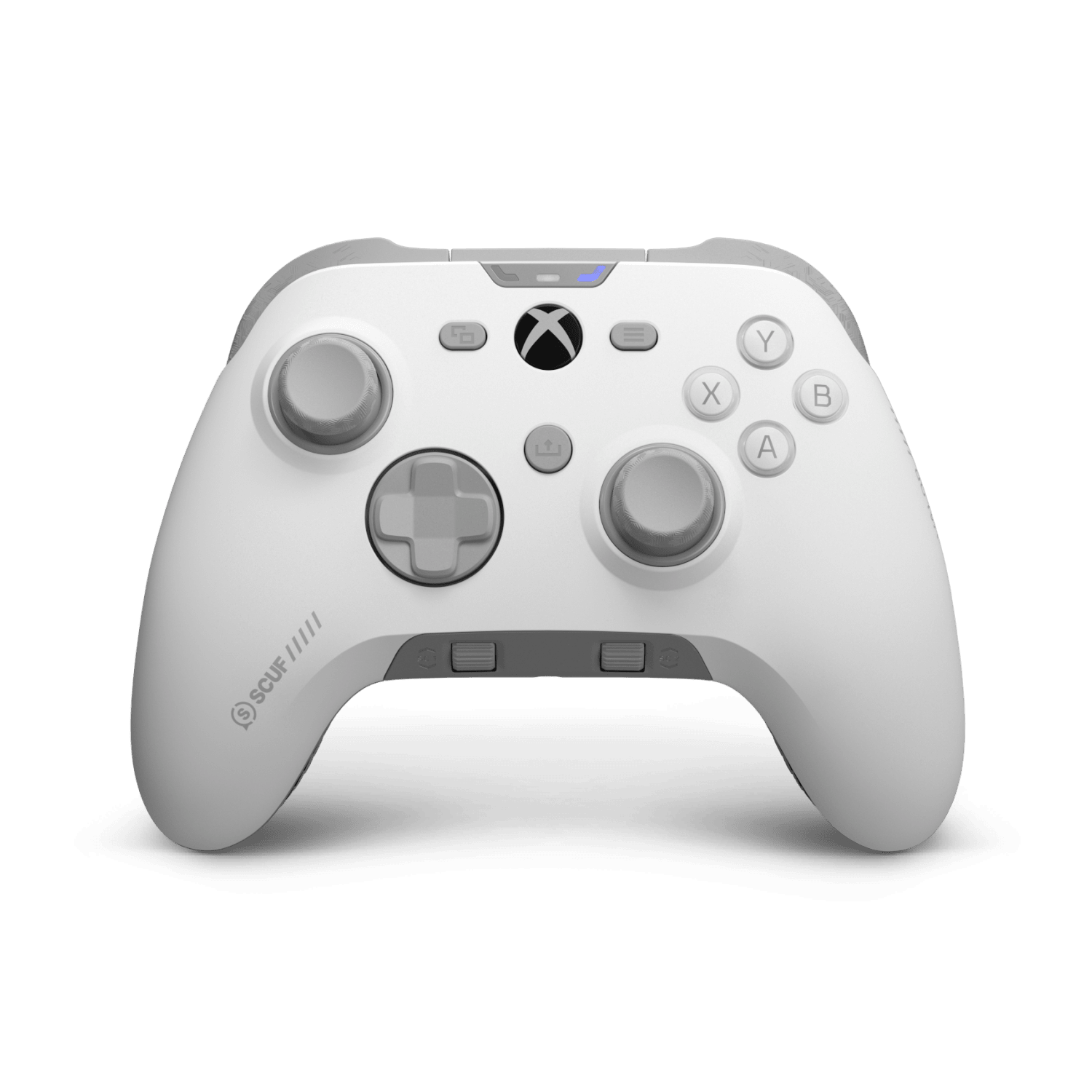
The SCUF Valor Pro is the current Xbox-layout performance controller from SCUF, available in wired and wireless configurations. Both are officially licensed for Xbox Series X|S. The Valor Pro Wired uses Hall Effect Endurance thumbsticks and supports 1K polling on PC via USB-C. The Valor Pro Wireless upgrades to TMR Endurance thumbsticks with the higher precision and familiar feel, adds tri-mode connectivity, and up to 17 hours of battery life.
Both include four rear paddles, adjustable instant triggers, remappable profiles via the SCUF companion app, and an audio control system with two scroll wheels for volume and chat mix. They're built for the PC player who wants Xbox-layout familiarity with the performance hardware that the standard controller doesn't include. See the SCUF Controller Comparison Guide for full specs across both models.
For players who want the absolute ceiling on PC controller performance, the SCUF Nemesis Pro 8K is now available for pre-order — 8,000Hz polling, TMR thumbsticks, mechanical buttons, and four rear paddles in a PC-native build. Wired from $119.99, wireless from $199.99, shipping fall 2026.