Dialing in your controller settings in Arc Raiders makes an immediate difference. Gunfights feel faster, aim feels tighter, and every escape feels more controlled. When the pressure’s on, your settings should work with you, not against you.
On console, a few smart adjustments go a long way. The wrong sensitivity can drag your aim and slow your reactions, while the right setup unlocks smoother movement and cleaner tracking. That edge matters whether you’re running solo or rolling with a squad.
For Arc Raiders on Xbox, proper controller tuning helps you stay competitive in high-stakes PvPvE encounters. The same goes for PS5, where quick camera control and steady aim often decide whether you extract safely or lose it all.
That’s where this guide comes in. We’ll break down the best Arc Raiders controller settings step by step, so you can stop fighting your inputs and stay focused on what matters most: surviving the raid.
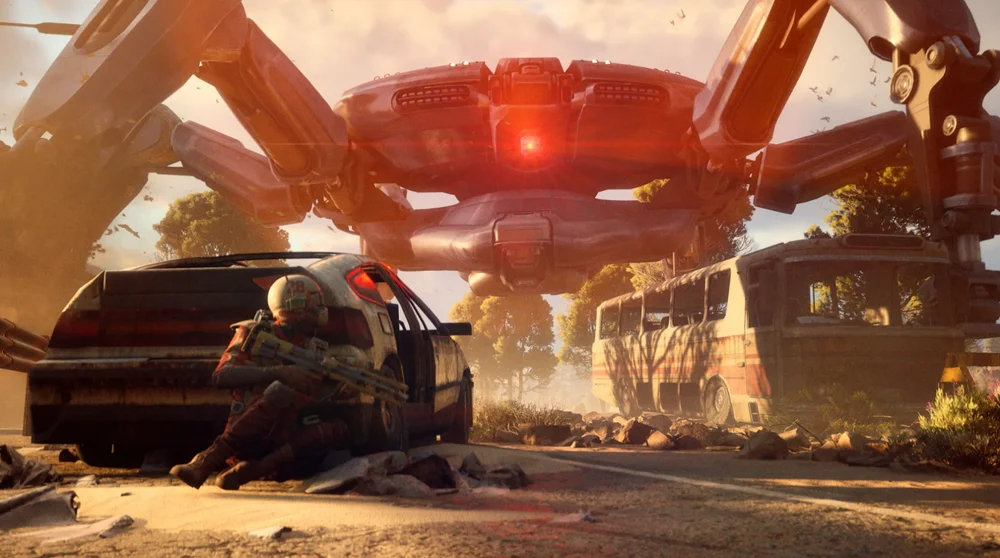
Why Controller Settings Matter in Arc Raiders
Arc Raiders moves fast. Enemies are unpredictable, and the PvPvE pressure never lets up. One bad gunfight can end an entire run, which is why controller balance matters. Too slow and you lose close-range fights. Too fast and your crosshair starts to drift.
The goal is simple: smooth movement, reliable tracking, and consistent shots. That edge is essential for console players who want to survive longer and extract more often.
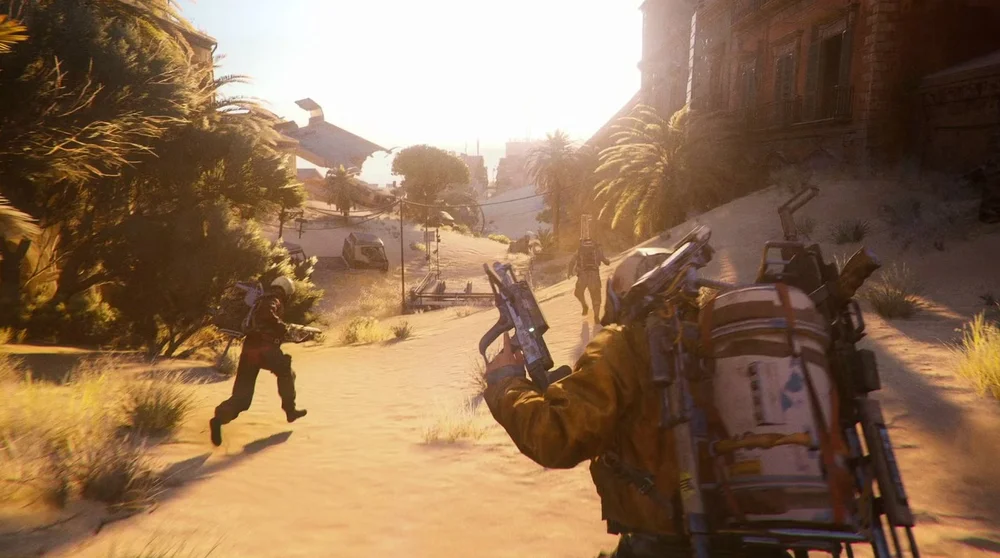
Best Controller Settings for Arc Raiders
Best Controller Sensitivity Settings
Controller sensitivity sets the foundation. You want speed without losing precision.
|
Setting |
Suggested Range |
|
Horizontal Sensitivity |
75 |
|
Vertical Sensitivity |
60 |
Arc Raiders Controller Sensitivity for ADS
Aim-down-sight tuning matters more than raw look speed. Most fights happen while aiming, and a lower ADS sensitivity gives you better tracking and recoil control. It also helps eliminate shaky micro-adjustments, keeping your shots clean when the pressure’s on.
|
Setting |
Suggested Range |
|
Zoom Sensitivity Multiplier |
40% |
|
Scoped Zoom Sensitivity |
50% |
Arc Raiders Aim Assist
Arc Raiders Aim assist helps with tracking. It slightly slows your aim over targets. That matters against fast-moving enemies and flying machines. High aim assist can feel sticky. Low aim assist feels unrelia Aim assist in Arc Raiders plays a key role in keeping your tracking consistent. It subtly slows your aim when passing over targets, which helps against fast-moving enemies and flying ARC Machines. Too much aim assist can feel sticky, while too little makes your aim feel loose and unreliable. A medium setting strikes the right balance and stays dependable during hectic raids. ble. Medium stays consistent across all encounters. That balance matters during hectic raids.
|
Setting |
Recommended |
|
Aim Assist |
Enabled |
|
Aim Assist Strength |
Medium |
Best Deadzone Settings
Deadzone tuning is essential for clean aim and controller control. Dial it in to eliminate stick drift and sharpen precision. Ignore it, and your aim will always feel off.
Right Stick Deadzone (Aiming)
|
Setting |
Suggested range |
|
Inner Deadzone |
5-7 |
|
Outer Deadzone |
Default |
Lower deadzones improve micro-aim and make it easier to track weak points. Just be careful not to push them too low, especially if your controller has any drift.
Left Stick Deadzone (Movement)
|
Setting |
Suggested range |
|
Inner Deadzone |
8-10 |
Movement and Camera Settings for Survivability
Setting them up correctly gives you clearer visibility in cramped areas, smoother tracking while sprinting, and quicker shoulder switchings when fights get intense.
Recommended Movement Options
- Auto Sprint: Enabled
- Camera Acceleration: Off or Low
- Crouch Behavior: Toggle
Disabling camera acceleration keeps your aim predictable and consistent, which makes a big difference during panic fights. Auto sprint helps maintain momentum while exploring, letting you move faster without extra inputs.
Button Layout and Controller Mapping
The default layout gets the job done, but a few small tweaks can significantly improve your reaction time when it matters most.
- Smart Button Tweaks
- Map crouch or slide to a back paddle if available
- Keep the jump accessible without removing your thumb from the aim
- Prioritize fast dodge or movement actions
Elite and pro controllers really shine here, adding extra value through faster inputs and smarter layouts. Standard controllers still benefit too, especially when you prioritize comfort and consistency.
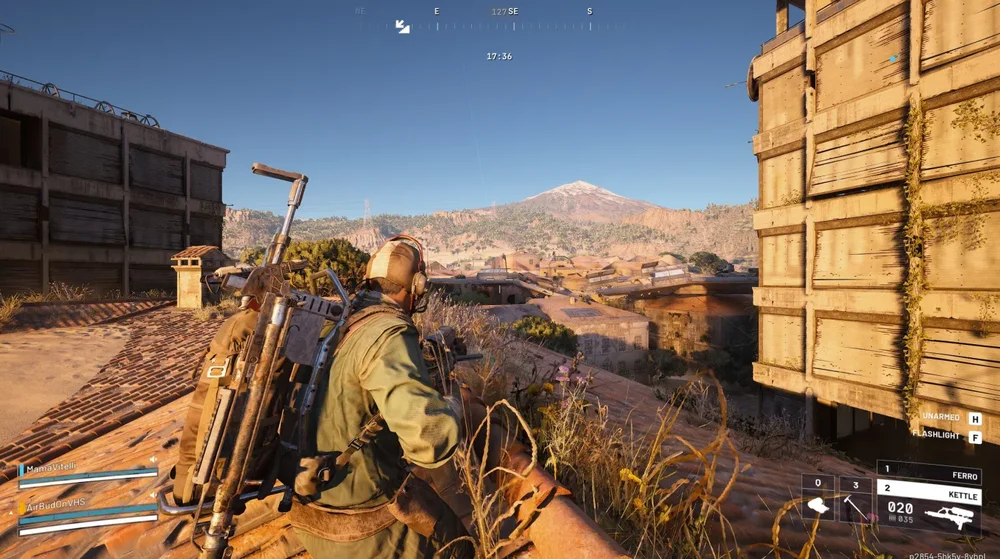
Arc Raiders System Requirements
Arc Raiders runs on Unreal Engine 5, bringing advanced lighting, dense effects, and a highly detailed world. That level of fidelity puts more demand on your hardware, especially your GPU and storage. SSDs and modern graphics cards make a noticeable difference in load times and overall performance.
Below, we break down the minimum and recommended PC specs based on official targets and real-world testing, so you know exactly what you need to run Arc Raiders smoothly.
Minimum vs Recommended PC Specs
|
Component |
Minimum Setup |
Recommended Setup |
|
Operating System |
Windows 10 (64-bit) |
Windows 11 (64-bit) |
|
Processor (CPU) |
Intel Core i5-6600K / AMD Ryzen 5 1600 |
Intel Core i7-9700K / AMD Ryzen 5 5600X |
|
Graphics Card (GPU) |
NVIDIA GTX 1050 Ti / AMD RX 580 (4GB VRAM) |
NVIDIA RTX 2060 / AMD RX 6700 XT (8GB+ VRAM) |
|
Memory (RAM) |
12GB |
16 GB |
|
Storage |
SSD with 60 GB free |
SSD with 60 GB free |
|
DirectX |
Version 12 |
Version 12 |
|
Internet |
Stable broadband (10+ Mbps) |
Faster broadband (20+ Mbps) |
Testing Your Settings the Right Way
Never tweak your settings in the middle of a match. That only leads to confusion and missed shots. Instead, test changes during low-risk runs where mistakes won’t cost you everything. Early raids and quieter areas are ideal, giving you the space and time to feel each adjustment properly.
Pay close attention to how your aim behaves. If your crosshair keeps overshooting targets, your sensitivity is too high. If enemies slip away while you drag your aim behind them, it’s too low. Shaky aim while aiming down sights is often a sign that your deadzones need fine-tuning.
Change one setting at a time. Small adjustments matter more than big jumps. After each change, play a full raid and let your muscle memory settle. Rushing the process only leads to inconsistent results.
Most importantly, stick with your setup. Constant tweaking slows improvement. Real consistency builds confidence, and confidence wins fights.
How SCUF Envision Gives PC Players an Edge in Arc Raiders
Arc Raiders is heavily played on PC, making it a strong match for the SCUF Envision. Extraction gameplay demands constant movement, fast reactions, and smart decision-making, and the Envision’s extra inputs help you stay locked in without breaking your flow. Instead of reaching for keys or pausing mid-fight, everything you need stays right at your fingertips.
G-Keys handle the utility actions that usually slow PC players down. These bindings let you manage information, communication, and gear without taking your hands off the controller or losing awareness of your surroundings.
SAX Buttons: Fast, High-Priority Actions
The SAX buttons are perfect for actions you need to hit instantly. Since they sit near L1 and R1, they’re easy to reach during combat and ideal for movement and survivability tools that keep you alive when things get hectic.
Strong use cases:
- Crouch / Slide
- Keeps movement fluid during fights and lets you dodge fire without taking your thumb off the stick.
- Lean Left / Lean Right
- Perfect for corner peeks and quick checks when fighting Raiders or ARC Machines.
- Quick Heal / Stim
- Pop a heal instantly while staying aimed and mobile.
- Reload
- Useful in panic moments where every split second matters.
Extraction fights are messy and unpredictable. SAX buttons let you react faster when positioning and survivability matter more than raw aim.
G-Keys: Utility, Menus, and Smart Inputs
The five G-Keys shine for actions that normally force you to stop moving, open menus, or reach across the keyboard.
High-value G-Key bindings:
- Inventory Open
- Quickly manage loot or check weight without fumbling keys mid-raid.
- Map Toggle
- Check extraction points or route planning on the fly.
- Ping / Mark Location
- Instantly communicate enemy positions or loot to your squad.
- Weapon Swap or Specific Weapon Slot
- Jump directly to a primary or secondary instead of cycling.
- Push-to-Talk
- Clean, instant comms without reaching for a keyboard key.
G-Keys handle the utility actions that usually slow PC players down. These bindings let you manage information, communication, and gear without taking your hands off the controller or losing awareness of your surroundings.
Dialing in the right settings on Arc Raiders console completely changes how the game feels. Aim becomes steadier, movement feels more natural, and fights stay under control. Once your setup clicks, you spend less time adjusting and more time surviving raids. Lock in what works, build consistency, and let your skill do the rest.
