The biggest Black Ops experience ever has officially dropped, and it’s reshaping the battlefield. Call of Duty: Black Ops 7 marks a major comeback for Treyarch and Raven Software, throwing players into the year 2035—a near-collapsed future ruled by conflict, chaos, and all-out war.
Built for high-performance gameplay, Black Ops 7 brings back the franchise’s iconic multiplayer, delivering fast-paced gunfights where precision, movement, and controller mastery truly matter. The new Co-Op Campaign mode lets you squad up or run solo as you fight through intense, high-stakes missions built to push your tactical skills to the limit.
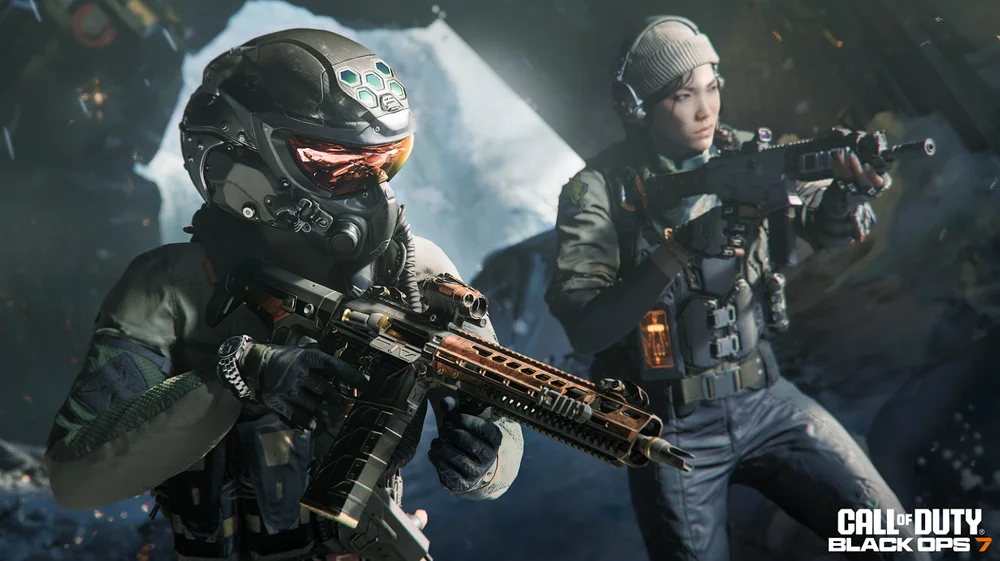
Treyarch’s legendary Zombies mode also returns, pulling players into the hellish depths of the Dark Aether. Whether you’re grinding for survival or perfecting your loadout, every second counts as you fight to escape waves of relentless undead.
Launched earlier this year for PC, Xbox One, Xbox Series X|S, PlayStation 4, and PlayStation 5, Call of Duty: Black Ops 7 has earned global praise for its explosive gameplay and standout modes. The Multiplayer and Zombies experiences are widely regarded as some of the strongest entries in the Call of Duty franchise—perfect for players looking to fine-tune their setup and dominate every match.
Why Black Ops 7 Controller Settings Matter
Call of Duty: Black Ops 7 delivers some of the most aggressive, high-speed gameplay the franchise has ever seen. Treyarch has crafted a title that’s not only endlessly replayable but fiercely competitive—and in a game this fast, even slight tweaks to your controller setup can decide whether you clutch a fight or get taken out instantly.
That’s why so many competitive players look to pro-inspired controller settings, including those used and refined by FaZe Swagg, one of the most influential creators in the Call of Duty community. His approach to fine-tuning sensitivity, movement, and aim control has become a go-to starting point for players who want an edge in Black Ops 7, whether they’re dominating on PS5 or dialing in precision on PC with a controller.
With that in mind, let’s dive into the optimal Black Ops 7 controller settings — inspired by FaZe Swagg’s setup — that can improve your accuracy, tracking, and overall consistency on the battlefield.
Maximize Target Tracking With Aim Assist
Veteran players have noticed that Black Ops 7’s aim assist feels a little different this year. The game is faster, sharper, and far more responsive than Black Ops 6, so it’s only natural that Treyarch adjusted the aim assist system to challenge long-term players and match the game’s upgraded pace. While there’s still support during intense gunfights, controller users—especially those playing on PC—will need a bit of time to get comfortable with how aim assist now behaves.
To help with that adjustment, here’s a quick breakdown of the top Black Ops 7 controller settings that make adapting to the new aim assist much smoother. We recommend keeping the default sensitivity multiplier with a few key tweaks:
- ADS Sensitivity Multiplier: 0.90
- ADS Transition Timing: Instant
- Aim Response Curve: Dynamic
- Target Aim Assist: On
- FOV Sensitivity Scaling: Off
These settings help counter the slightly weakened rotational aim assist while delivering a snappier overall feel, making it easier to track fast-moving targets and stay locked in during high-pressure moments on the battlefield.
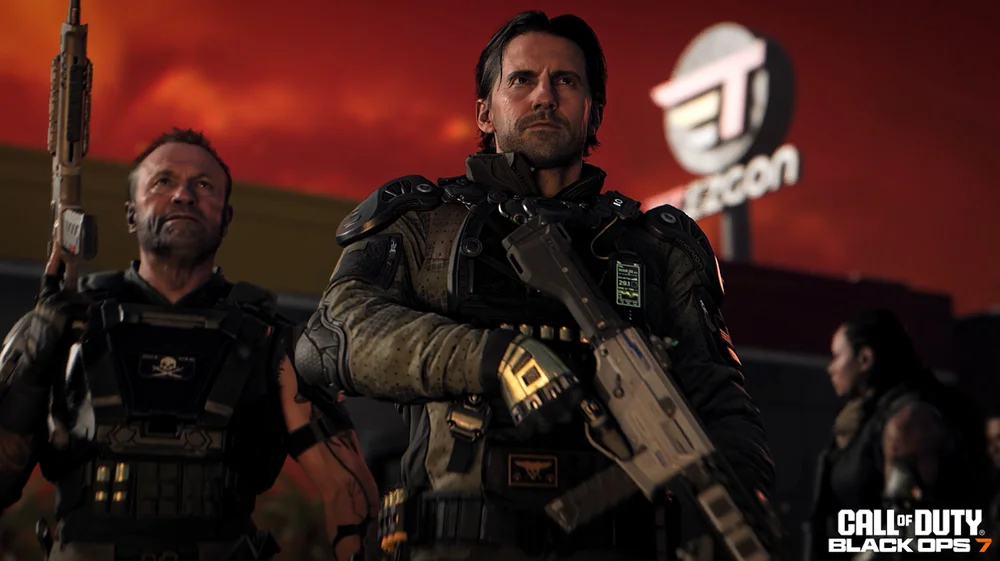
Basic Settings for Your Controller
Whether you’re playing with a SCUF controller or a standard controller, the following fundamental controls offer a reliable foundation for most Black Ops 7 players. These settings provide a consistent, responsive feel while supporting fast, competitive gameplay.
- Button Layout: Tactical
- Horizontal Stick Sensitivity: 1.5
- Vertical Stick Sensitivity: 1.5
- Flipped: Off
- Vibration: Off
- Trigger Effects: Off
Many experienced players also recommend firing with the traditional triggers (L2 and R2), as this keeps your grip stable and helps maintain accuracy during rapid engagements.
When it comes to deadzones, lower values offer a more responsive stick feel while still preserving enough stability for precise aiming. Here are the suggested ranges:
- Left Stick Min: 3
- Left Stick Max: 60
- Right Stick Min: 3
- Right Stick Max: 99
- Left Trigger Deadzone: 1
- Right Trigger Deadzone: 1
The Top Controller Settings for Smooth Movement
CoD Black Ops 7 is momentum-based, which simply means that the movement settings of your controller will influence your gaming experience in a big way. Because movement accuracy is crucial in Black Ops 7, these settings aim to maximize responsiveness and fluidity during high-speed engagements.
- Sprint Assist: Off
- Mantle Assist: Off
- Crouch Assist: Off
- Corner Slice Assist: On
- Wall Jump Assist: Forward Only
- Slide/Dive Behavior: Hybrid
- Slide Maintain Sprint: On
- Automatic Airborne Mantle: On
- Sprint Restore: On
- Tactical Sprint Activation: Single-Tap Sprint
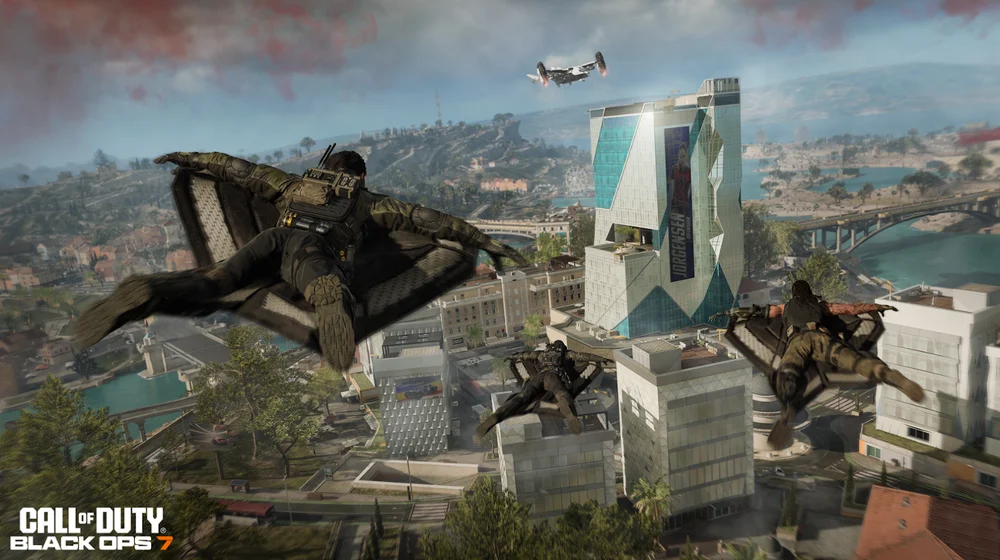
- Automatic Wingsuit Activation: On
These settings allow for smooth movement without any additional challenges. Having your wingsuit activated automatically makes airborne gameplay in larger modes a much more satisfying endeavor.
Optimized Combat Controls for Better Gunfights
Your combat settings need to match your personal playstyle, especially in a game as fast and reaction-heavy as Black Ops 7. The following combat-focused controller settings offer a strong, reliable baseline for consistent gunfights and smoother engagements:
- ADS Behavior: Hold
- Weapon Mount Activation: ADS + Melee
- Dedicated Melee Weapon Activation: Hold Melee
- Finishing Move Behaviour: Prioritize Finishing Move
- Armor Plate Behaviour: Apply All
- C4 Detonation: Detonate All at Once
- Equipment Behavior: Hold
- Manual Fire Behavior: Press
These adjustments ensure that your actions register quickly and cleanly, giving you sharper control during close-quarters fights, armor swaps, and high-pressure engagements across every mode in Black Ops 7.
Combat Advanced Settings
- Interact/ Reload Behaviour: Tap to Reload
Improving Comfort and Control With SCUF Features
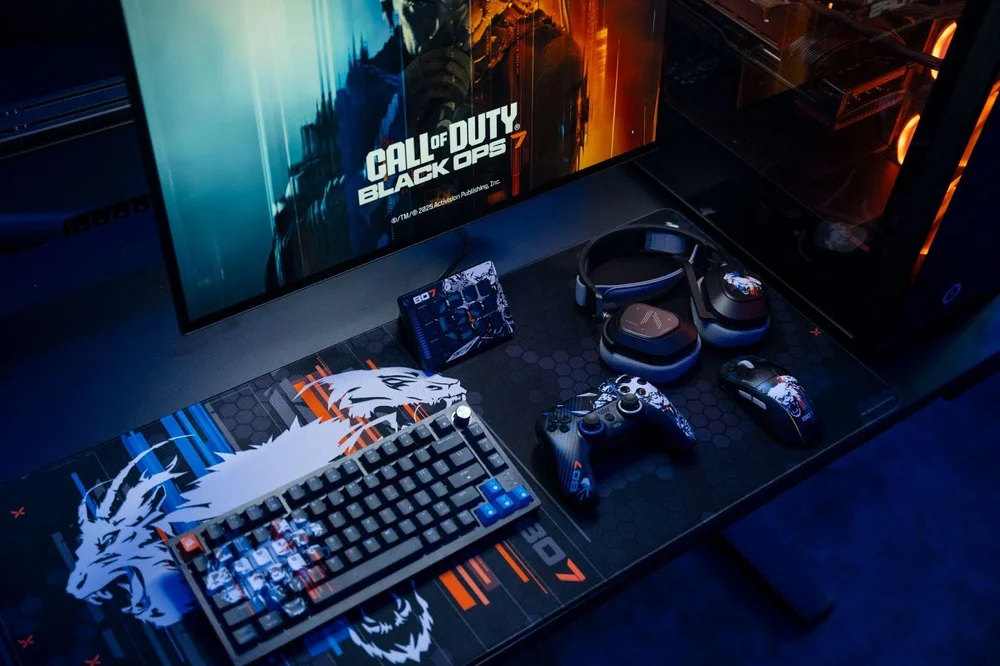
In a fast-paced game like Black Ops 7, having a controller that feels natural and responsive can make your overall experience more consistent. SCUF controllers are built with FPS movement and control in mind, offering features like instant triggers and customizable back paddles that many players find comfortable and effective.
Instant triggers can offer a helpful edge in Black Ops 7, especially if you spend most of your time with fast-firing weapons like SMGs and ARs. With shorter trigger pulls, your shots register a little quicker, which can make a difference during fast engagements.
To excel in Black Ops 7, you need to focus on three core elements: precision, comfort, and consistency. The right controller settings can help you unlock all three. When you combine tuned sensitivity, balanced aim assist, and responsive movement settings with the thoughtful design of a SCUF controller, you get steadier aim, quicker reactions, and more control in every gunfight—whether you’re running solo or pushing objectives with your squad. Finding the setup that fits your playstyle can truly be a game-changer.